What it does
Failed Shopee Seller Logistics deliveries are now handled in one step. When you register a full return, Shopee is automatically notified and starts its cancellation and refund process. Your return workflow stays the same, with fewer manual steps and less risk of errors.
Benefits
- Less manual work: Register the return without reporting the failed delivery in Shopee Seller Center
- Fewer errors: Eliminate a manual step that can lead to missed notifications or mismatched order data
- Simpler failed-delivery handling: Use your existing return process to initiate Shopee's cancellation and refund process
- Connected operations: Manage returns in VTEX and automatically trigger the corresponding action in Shopee
How to use
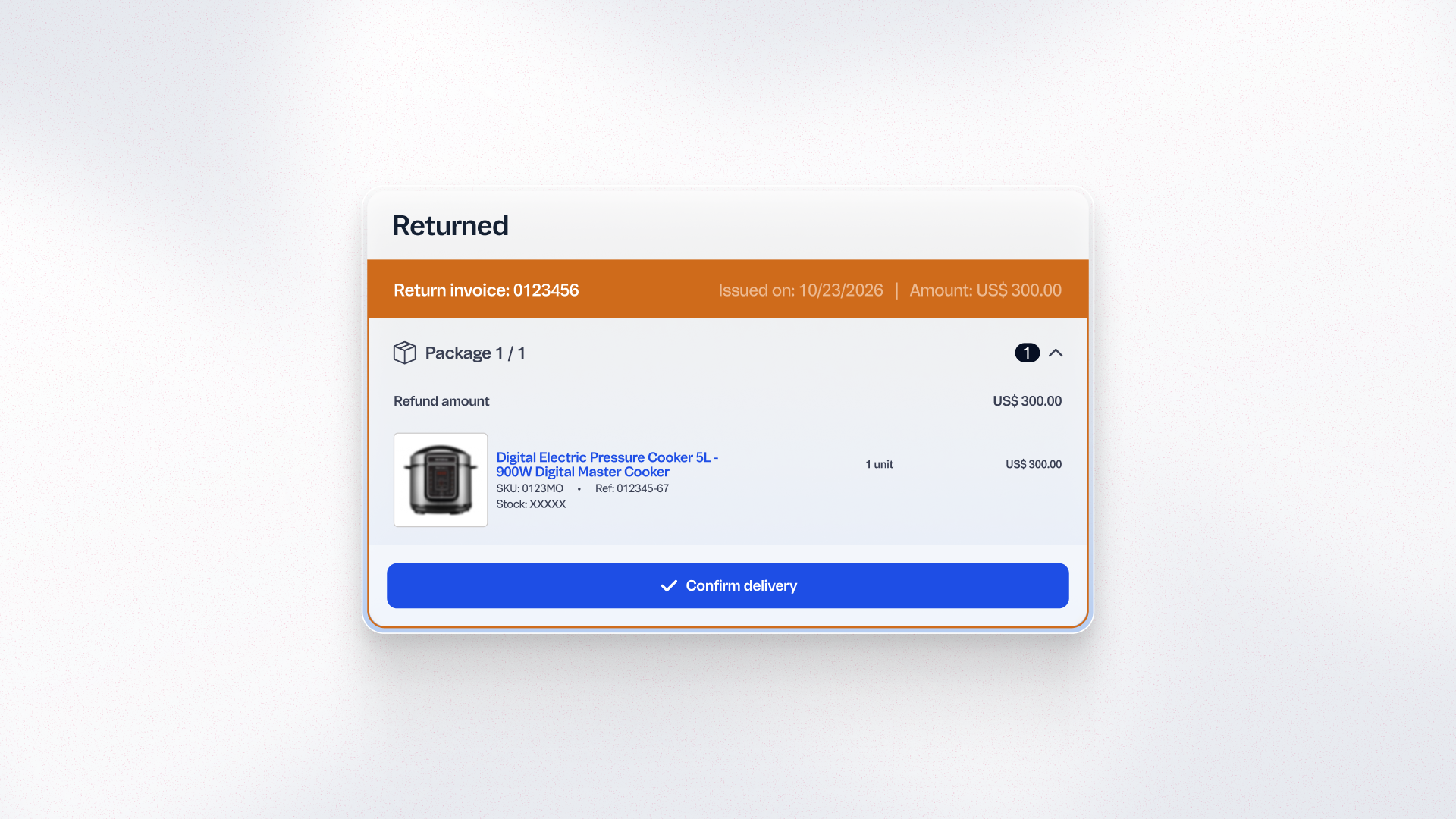
In the VTEX Admin, go to Orders > All Orders and open the Shopee Seller Logistics order with a failed delivery. Register a full return for the invoiced order. You can use multiple return invoices, as long as their combined amount covers the total order amount, including shipping. Once the full return is registered, Shopee is automatically notified and handles the cancellation and refund process. This feature is available in Brazil for Shopee Seller Logistics only. Shopee Full Logistics isn't supported.